🎉 欢迎访问GreasyFork.Org 镜像站!本镜像站由公众号【爱吃馍】搭建,用于分享脚本。联系邮箱📮

Greasy fork 爱吃馍镜像

Youtube Subtitle Caption Stylish

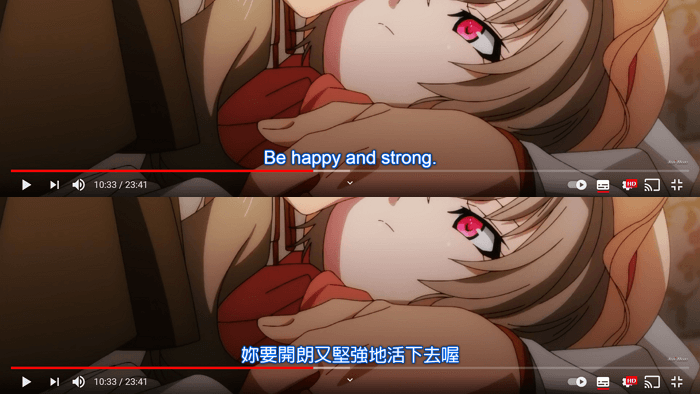
This is to replace the subtitle / caption style using in Youtube

Dovrai installare un'estensione come Tampermonkey, Greasemonkey o Violentmonkey per installare questo script.

You will need to install an extension such as Tampermonkey to install this script.

Dovrai installare un'estensione come Tampermonkey o Violentmonkey per installare questo script.

Dovrai installare un'estensione come Tampermonkey o Userscripts per installare questo script.

Dovrai installare un'estensione come ad esempio Tampermonkey per installare questo script.

Dovrai installare un gestore di script utente per installare questo script.

(Ho già un gestore di script utente, lasciamelo installare!)

🚀 安装遇到问题?关注公众号获取帮助

公众号二维码

扫码关注【爱吃馍】

回复【脚本】获取最新教程和防失联地址

Dovrai installare un'estensione come ad esempio Stylus per installare questo stile.

Dovrai installare un'estensione come ad esempio Stylus per installare questo stile.

Dovrai installare un'estensione come ad esempio Stylus per installare questo stile.

Dovrai installare un'estensione per la gestione degli stili utente per installare questo stile.

Dovrai installare un'estensione per la gestione degli stili utente per installare questo stile.

Dovrai installare un'estensione per la gestione degli stili utente per installare questo stile.

(Ho già un gestore di stile utente, lasciamelo installare!)

🚀 安装遇到问题?关注公众号获取帮助

公众号二维码

扫码关注【爱吃馍】

回复【脚本】获取最新教程和防失联地址

Autore
𝖢𝖸 𝖥𝗎𝗇𝗀
Installazioni giornaliere
0
Installazioni totali
214
Valutazione
3 0 0
Versione
2.2.2
Creato il
13/01/2023
Aggiornato il
08/06/2023
Dimensione
10,2 KB
Licenza
MIT
Applica a

English | 日本語

GreasyFork (Latest) / UserStyles.world (Hourly Update)

Notes:

  1. This Userstyle uses @preprocessor stylus. Please install stylus / stylus beta to use the Userstyles.
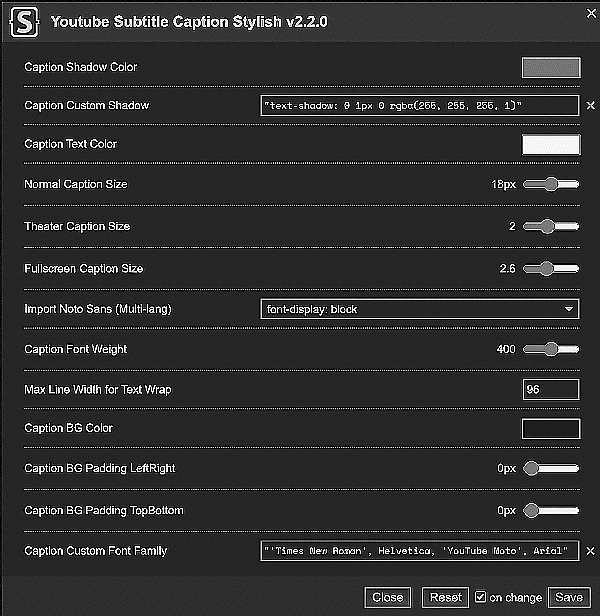
  2. This Userstyle has the option to import the font css without additional Userscript.
  3. Advanced Custom Rules shall be double-quoted.

Example Text Value Settings

  • "text-shadow: 0 1px 0 rgba(255, 255, 255, 1)"
  • "'Times New Roman', Helvetica, 'YouTube Noto', Arial"
  • example-text-value-settings

You can try this userscript in the following links:

--- Multi-lang ---

---Others----

Also See...

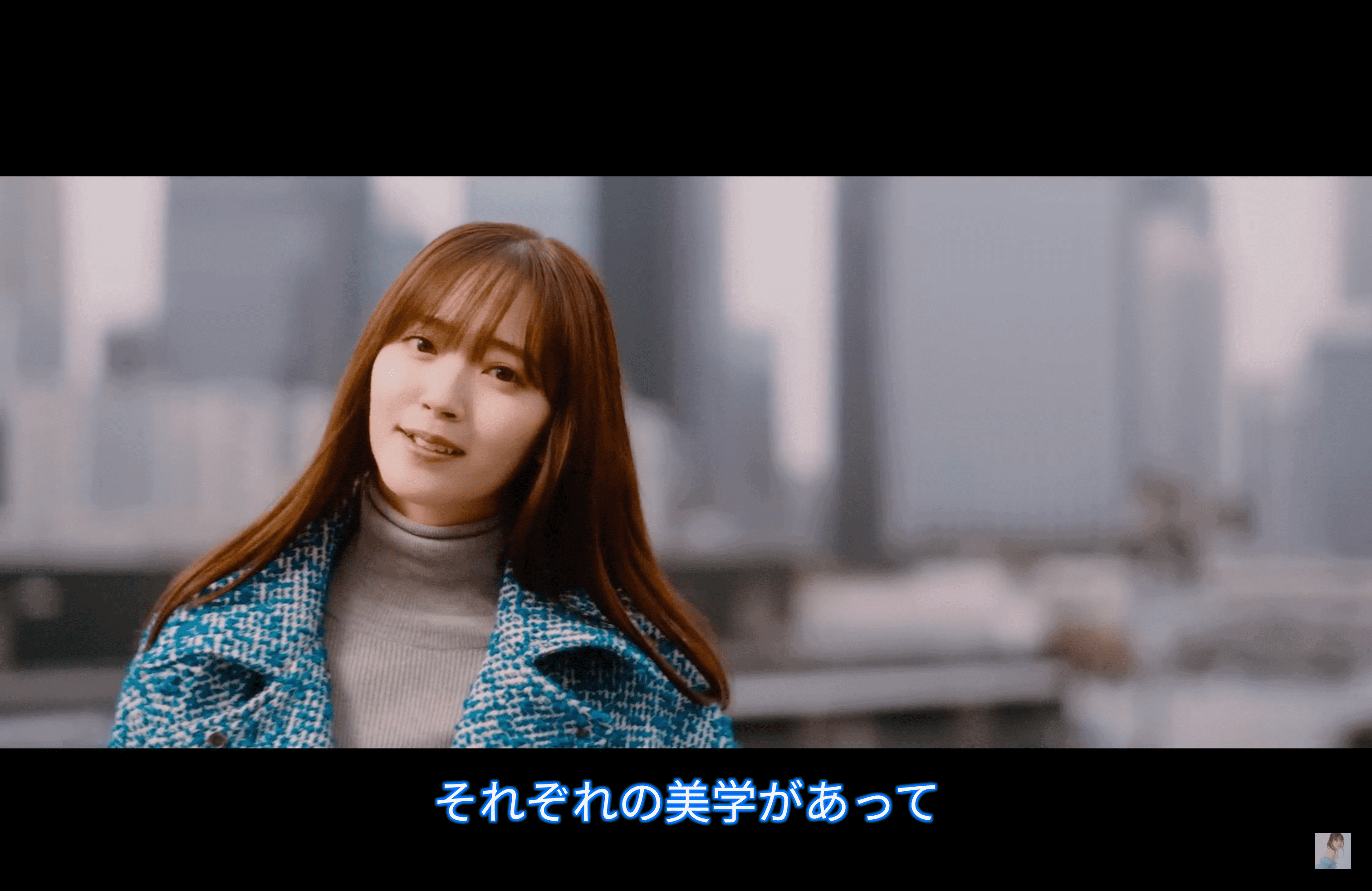
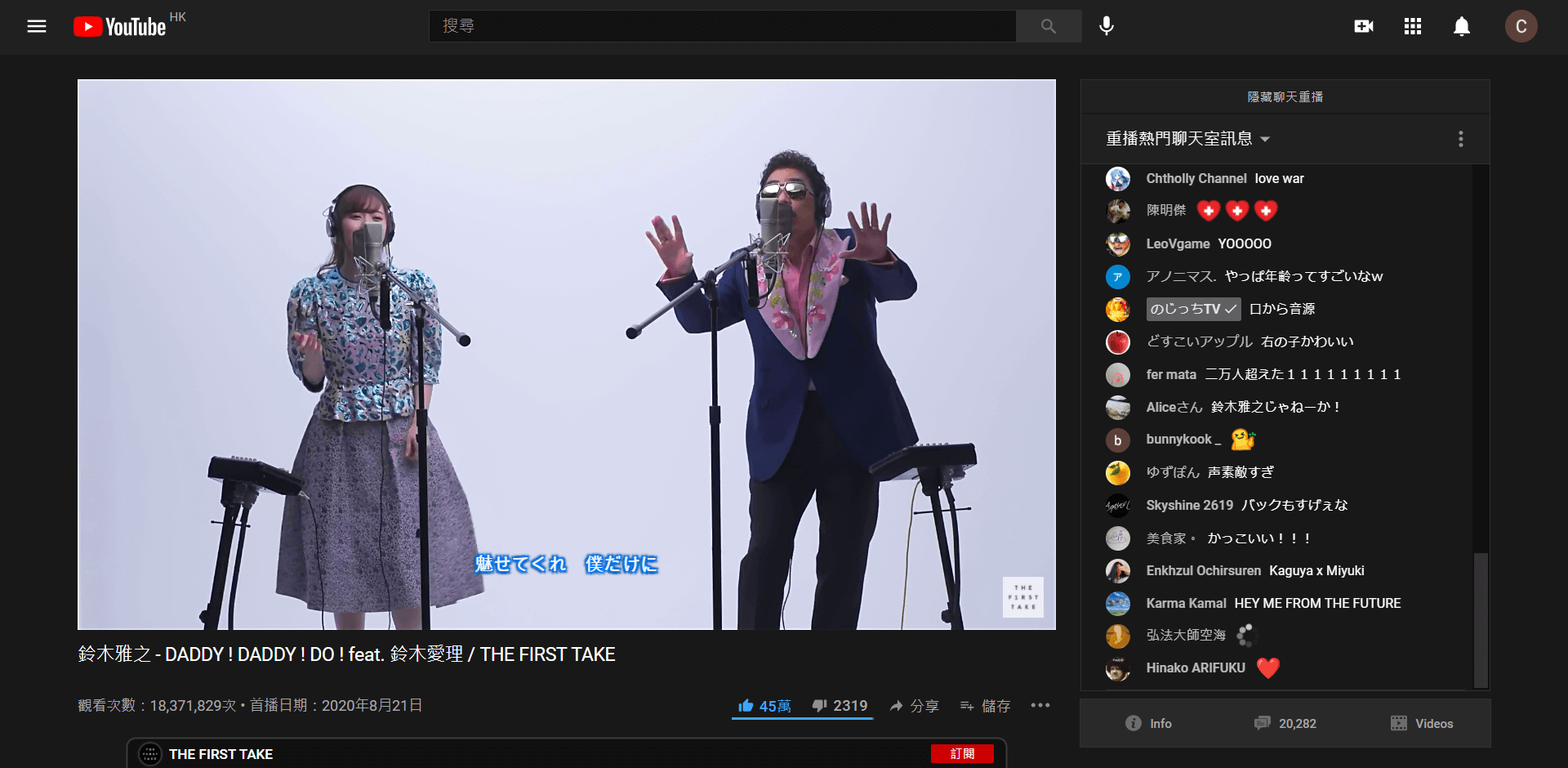
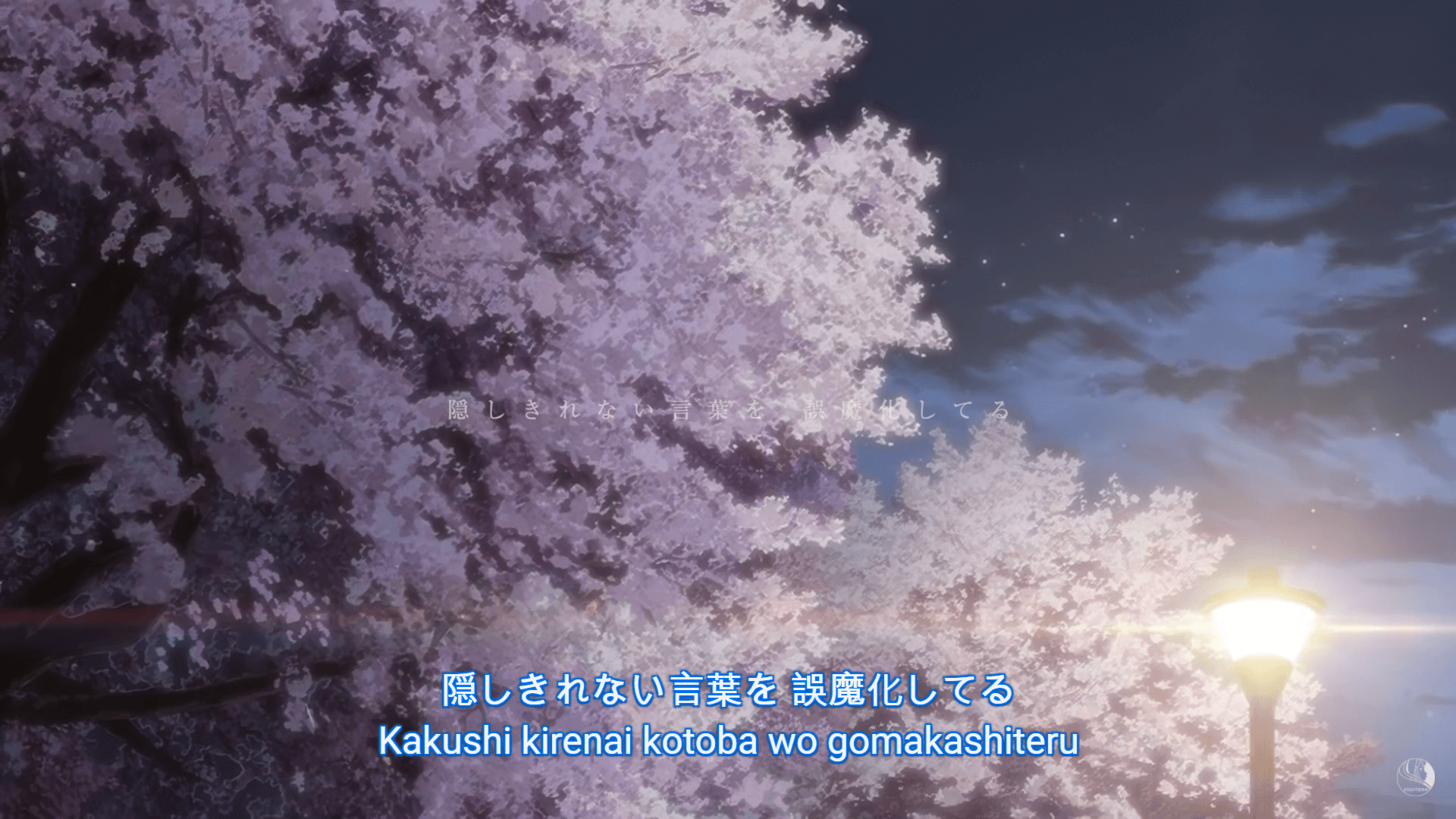
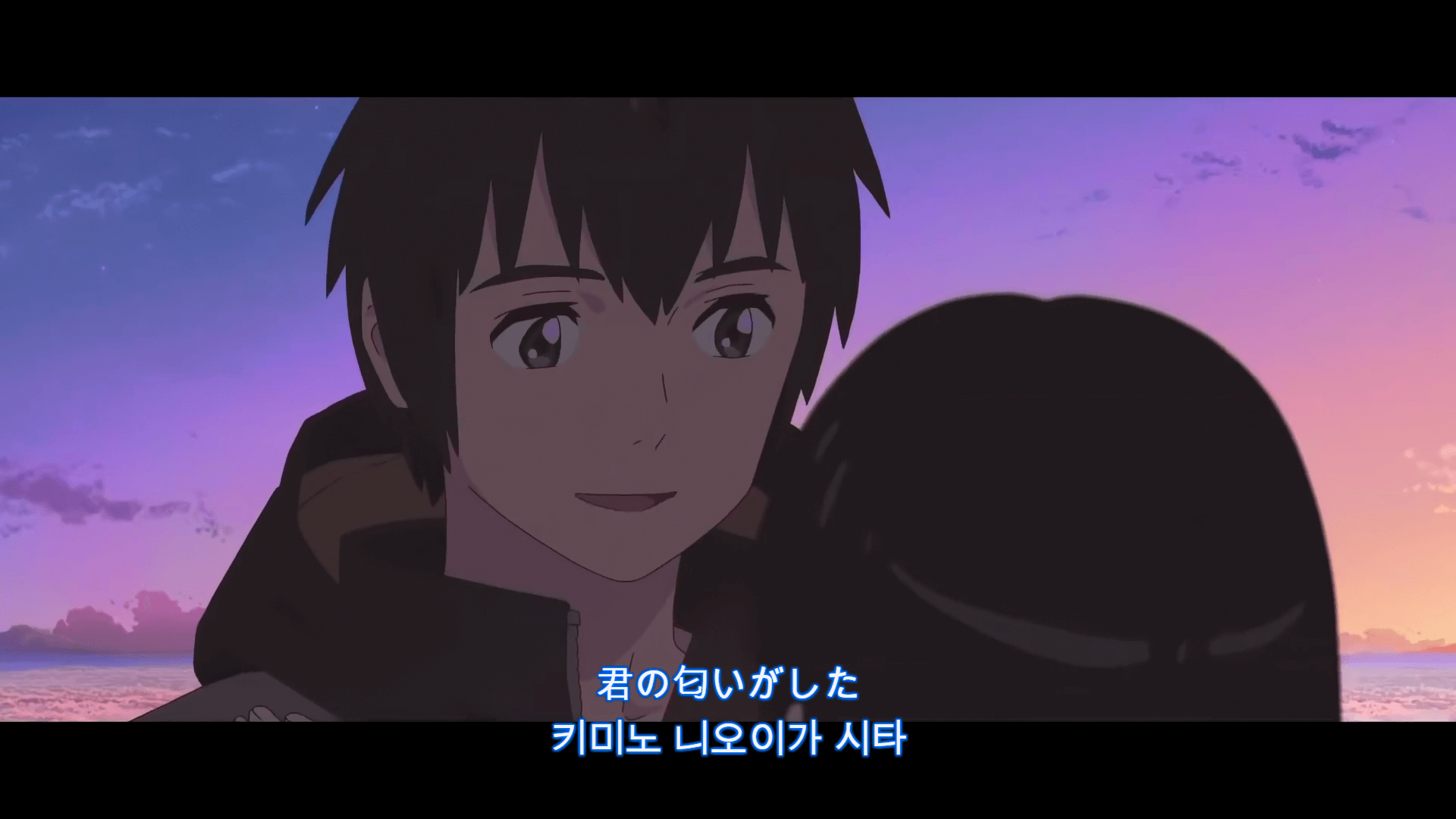
Version 2.1 - Preview

Version 1.2 - Preview for Font & Text Styles - Noto San Fonts + Solid Outline

Version 1.1 - Preview for Font & Text Styles - Noto San Fonts

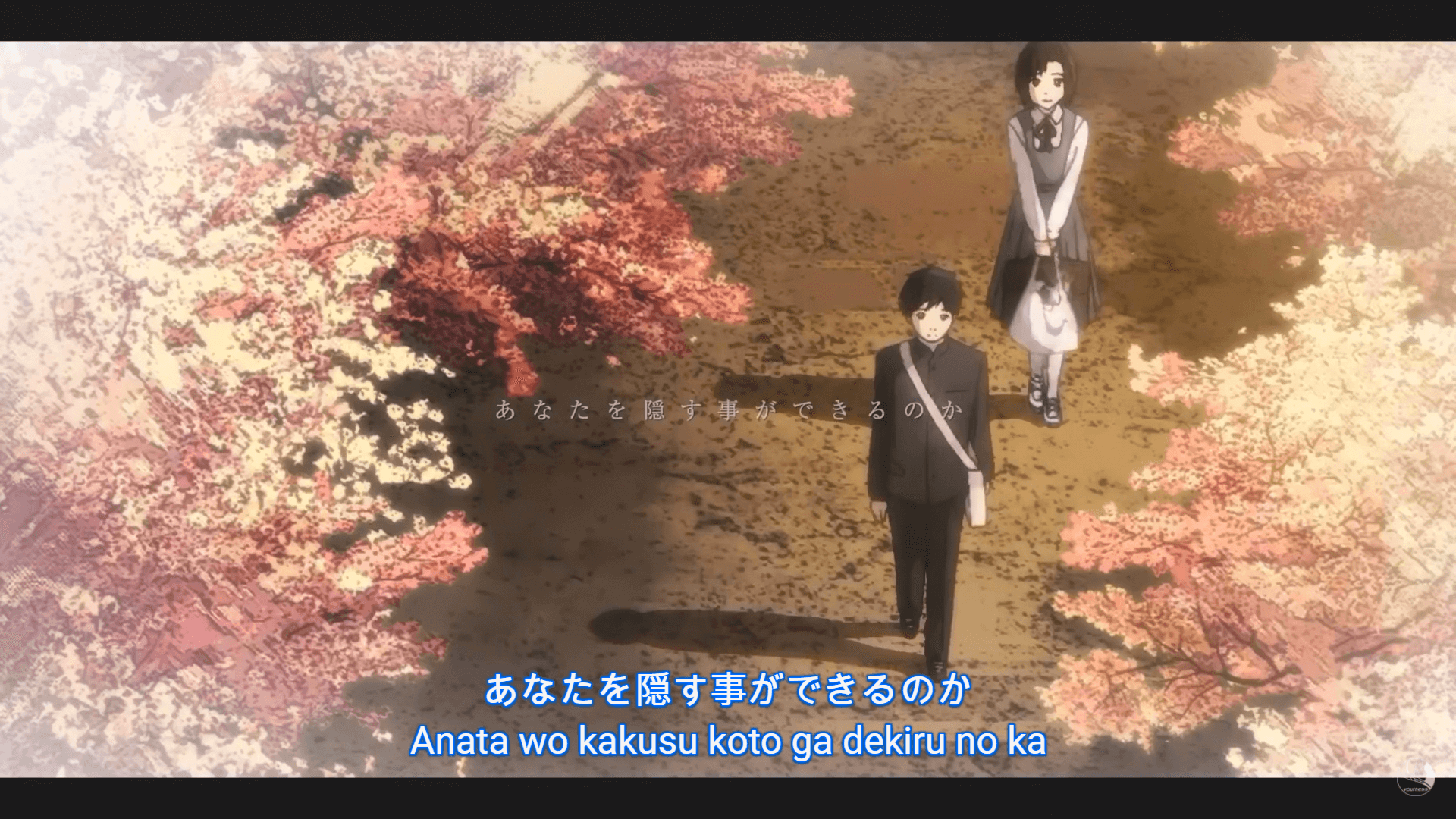
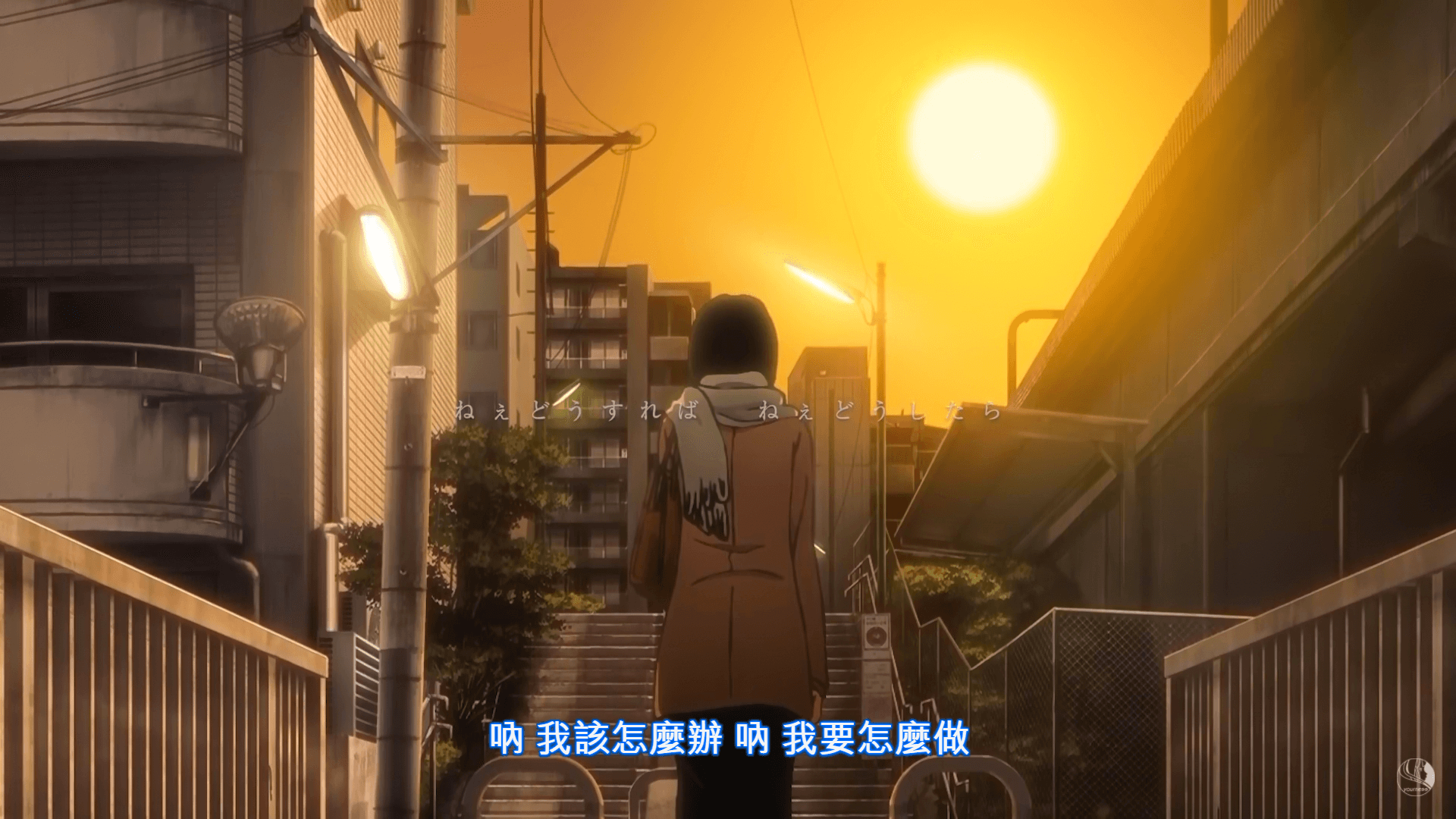
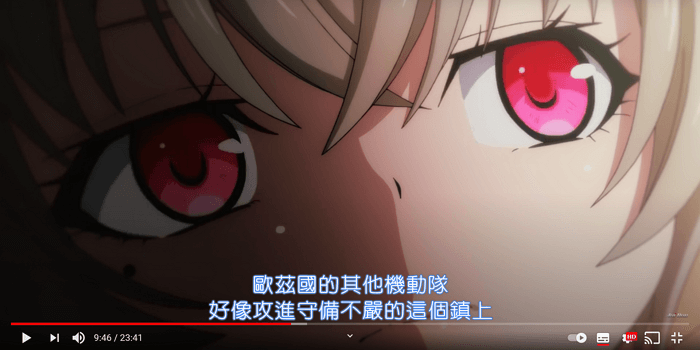
Version 1.0 - Preview: